
Estimated reading time : 3 min · Published October 1, 2026
Justify the request and show limits
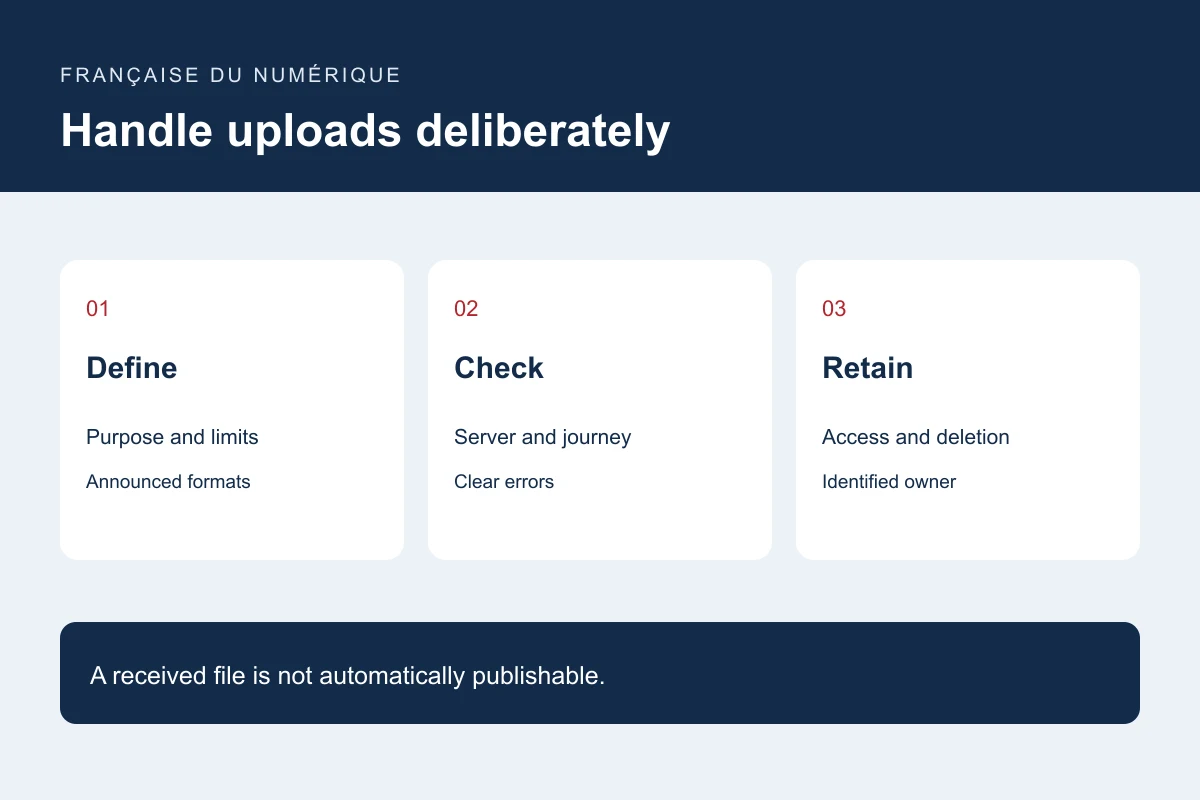
Explain which document is needed and what decision it supports. Consider simple fields if they can achieve the same result. Before selection, state formats, count and size limits and an alternative for unsuitable documents.
Do not require unnecessary personal information. Use synthetic files for acceptance testing. Separate publication approval from receipt: receiving a photograph does not automatically establish permission to publish it.
Check content on the server
OWASP describes complementary controls including allowed formats, type validation, controlled storage names, limits and protected storage. A browser-supplied type alone does not establish file content. Interface checks supplement rather than replace server checks.
Have the software owner review processing. Define handling for files requiring analysis, damaged documents and rejected content. A scan or recognised extension should not be presented as an absolute safety guarantee.
Test the journey to its recipient
Try an allowed file, oversized file, rejected format, accented name and interrupted transfer. Verify that users understand acceptance and required corrections. Do not display success when transfer has not completed.
Check arrival in the correct work queue and access by an authorised person. Also test a different account and a direct download address. The file should remain inaccessible to someone without the service’s required permissions.
Manage storage and deletion
Document storage, access, backups and retention justified by the need and applicable context. Arrange removal of abandoned temporary files as well as processed documents. Notifications can point to secure storage instead of copying every attachment to multiple inboxes.
Repeat boundary tests after form changes and check historical files. Deliver allowed formats, understandable errors, a permissions matrix and an owner-assigned deletion procedure.
Primary documentation : OWASP — File Upload Cheat Sheet.