
Estimated reading time : 3 min · Published October 1, 2026
Define the actions actually required
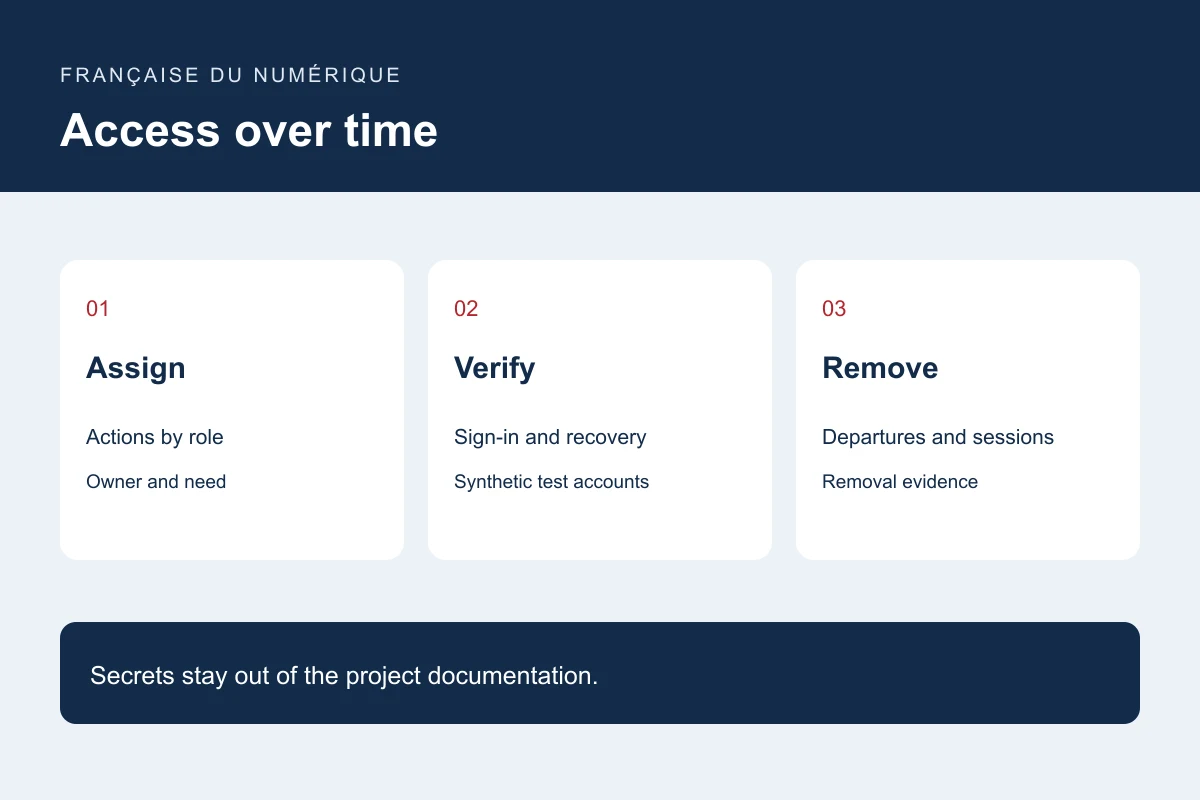
List actions by role: read an enquiry, draft a page, publish, export or administer. Separate responsibilities where the context permits. Ask each participant to validate normal tasks and actions they should not be able to perform.
Maintain an inventory of team and integration accounts with an owner and purpose. Secrets do not belong in this shared document. The inventory should establish who can act without turning a project spreadsheet into a password store.
Review sign-in and sensitive actions
OWASP covers authentication and associated controls, including attempts, protected transport, recovery and reauthentication for sensitive operations. Use a maintained solution and assess additional protection according to the risk.
Prepare acceptance tests using an authorised account, a restricted role and an expired session. Test a sensitive operation through its direct address as well as its menu. Hiding a button alone does not enforce server-side permissions.
Rehearse recovery using test data
In a test environment, simulate loss of a sign-in method, an expired link and a repeated attempt. Check messages, the recipient and the end of the procedure. Support needs a written method for exceptional cases.
Decide how earlier sessions are revoked and how other access is reviewed after recovery. Do not ask someone to send a secret through an ordinary form as proof of ownership. Review the procedure with the solution’s security owner.
Plan onboarding, departures and handover
Assign owners for creating, reviewing and closing access. A departure may affect the site, hosting, domain, connected services and authorised devices. Emergency access needs control, awareness among authorised staff and a test that does not expose it publicly.
Keep a record of granted and removed permissions and the review date. Repeat representative tasks after a role or software change. This method helps find omissions but does not replace a security assessment suited to the service.
Primary documentation : OWASP — Authentication Cheat Sheet.