
Estimated reading time : 3 min · Published October 1, 2026
Connect each dependency to its purpose
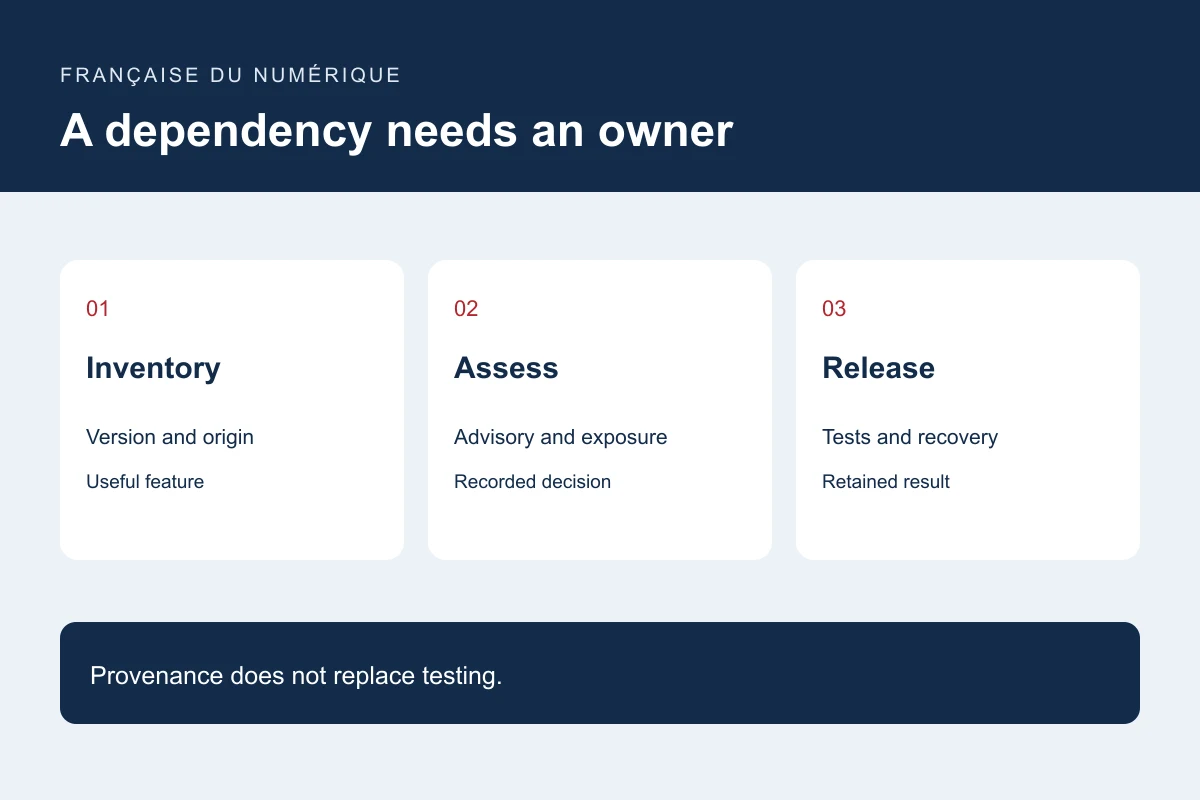
Inventory direct components and dependencies brought in by tools. Record the installed version, registry or supplier, supported feature and update owner. Include CMS plugins rather than only developer-managed packages.
Ask a simplification question: if the feature disappeared, which useful journey would be lost? An installed but forgotten component adds work without establishing its value. Consider removal only after checking dependent content, data and components.
Assess an alert against the actual project
Compare the affected package and version with the inventory. Examine exposure conditions, the announced fix and related dependencies. An alert does not describe the entire architecture, and absence of alerts is not a security guarantee.
Document a reason for priority: exposed functionality, affected data, known exploitation or required change. Where the situation is uncertain, involve a qualified reviewer rather than replacing uncertainty with a score presented as certainty.
Prepare a reproducible update
Keep files describing resolved versions and build steps. Use a representative test environment, synthetic data and a suitable backup. Compare affected journeys such as search, forms, checkout or administration according to the component.
npm provenance connects a published package with source and build information; it does not certify that the package is safe. Review available evidence without treating provenance as an automatic installation recommendation.
Record the result and recovery plan
Record versions before and after, passed tests, unchecked areas and the release decision. Recovery must include data when an update changes its structure; replacing files alone may be insufficient.
Choose the next review according to the component’s role and team capacity. The deliverable is a list of useful components with origin, owner, tests and recovery rather than a schedule of blind automated changes.
Primary documentation : npm — Generating provenance statements.