
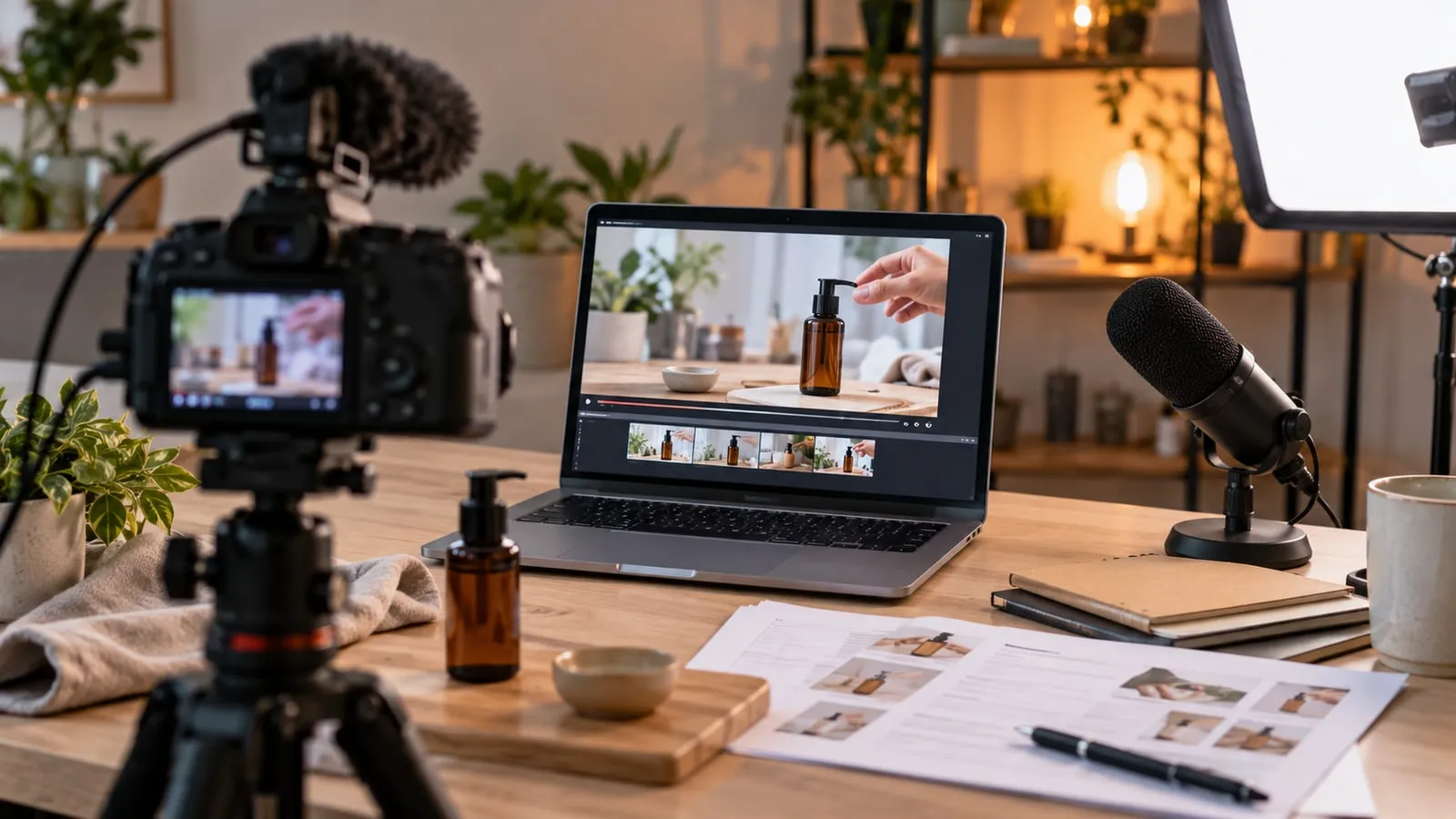
A video becomes more useful when a page explains what it shows, the prerequisites and the important steps. Add a reread transcript and suitable navigation markers. The text helps to find information without imposing full viewing.
Choose a specific demonstration
Define a task that the viewer can reproduce: edit a text, check a form, or prepare an image. Advertise the tool version and test conditions. Avoid mixing multiple topics in a video that claims to answer a single question. A demonstration must also specify what is not covered and the situations that require support.
Build the page around the need
Place a short introduction, accessible video, and task steps. Google provides recommendations to make videos discoverable and indexable, including their presence in the page and their metadata. Do not assume that a player will have to click several times to load the main content. Check integration in public session and on a slower connection.
Define the role of the text around the video
Page and video should not contradict each other. The text can help prepare the task, find a step and check the result; He must not claim to show a manipulation absent from the media. If the video is the main content, its place on the page and its accessibility requires clean verification. A simple thumbnail does not prove that an engine can find and play the video.
| Element | role for the reader | Publication control |
|---|---|---|
| Introduction | Understand the task and the limits | The promise corresponds to the content actually shown |
| prerequisites | Prepare the right access and equipment | No secrets or real folders appear in the example |
| Written steps | Find an action without reviewing everything | Order and labels match the video |
| Transcription and subtitles | Access the lyrics and search for them | the terms business and values have been reread |
| Expected result | Find out if the task is complete | Final control is shown or described explicitly |
Google provides Video discovery and indexing recommendations. The role of a transcription for the player should not be confused with a video appearance guarantee. Do not create markup describing a video that the page does not contain. An article illustrated with an AI photo remains an illustrated article, even if it explains how to produce a tutorial.
Read the automatic transcription
A transcription produced by AI may misrecognize names, commands and values. Correct these items before publication. Separate the lyrics from the editorial additions and use suitable subtitles in the player. A transcription is not necessarily a good article: add the captures or explanations necessary for understanding, without presenting a plain text filled with repetitions as a finalized guide.
Fictional example: test a form
A short video shows a successful sending, then a field error and its correction. The page lists prerequisites, test data and message reception check. The transcription explains the actions that are not obvious in the image. The guide does not conclude that all the forms on the site work: it describes the scenario actually presented.
A acceptance test on a form demonstration
- Prepare a form and demo contact details in a test setting. Identify the person who will eventually receive a message and avoid using real customer data.
- Film or describe a successful sending, input error and correction. The result should distinguish the message displayed to the visitor from the actual controlled reception.
- Reread the transcript following the demonstration. Correct meaning names, commands, values and words; Add the necessary explanations when an action is not understandable by the sound alone.
- Open the final page on mobile, keyboard and no administration login. Check Read, Media Controls, and Links to Useful Steps.
If the interface changes, choose between refresh explanations, redo a passage or clearly announce that the demonstration concerns an old version. Keeping an expired video with a recent date would create a false sense of validity. Note the version shown and the person in charge of the review, especially for procedures that may change quickly.
The deliverable of a web project can include the page, media, replayed subtitles, and route acceptance test. theImprovement of contact forms Provides the business context of this example. The Content control without fragile interaction provides an additional check when the video player relies on JavaScript.
An illustration photo may accompany the tutorial, but it does not document a actually filmed manipulation. The Distinction between AI image and documentary proof Helps to choose a media and a caption that does not create a false impression.
Maintain consistency over time
Keep shooting date, interface version and review manager. If a step changes, indicate the difference or redo the relevant passage. Also check the description links and the video metadata. For example, link this demonstration to the guide to Improve forms, so that the video completes a method and allows a practical sequel.