
Estimated reading time : 3 min · Published October 1, 2026
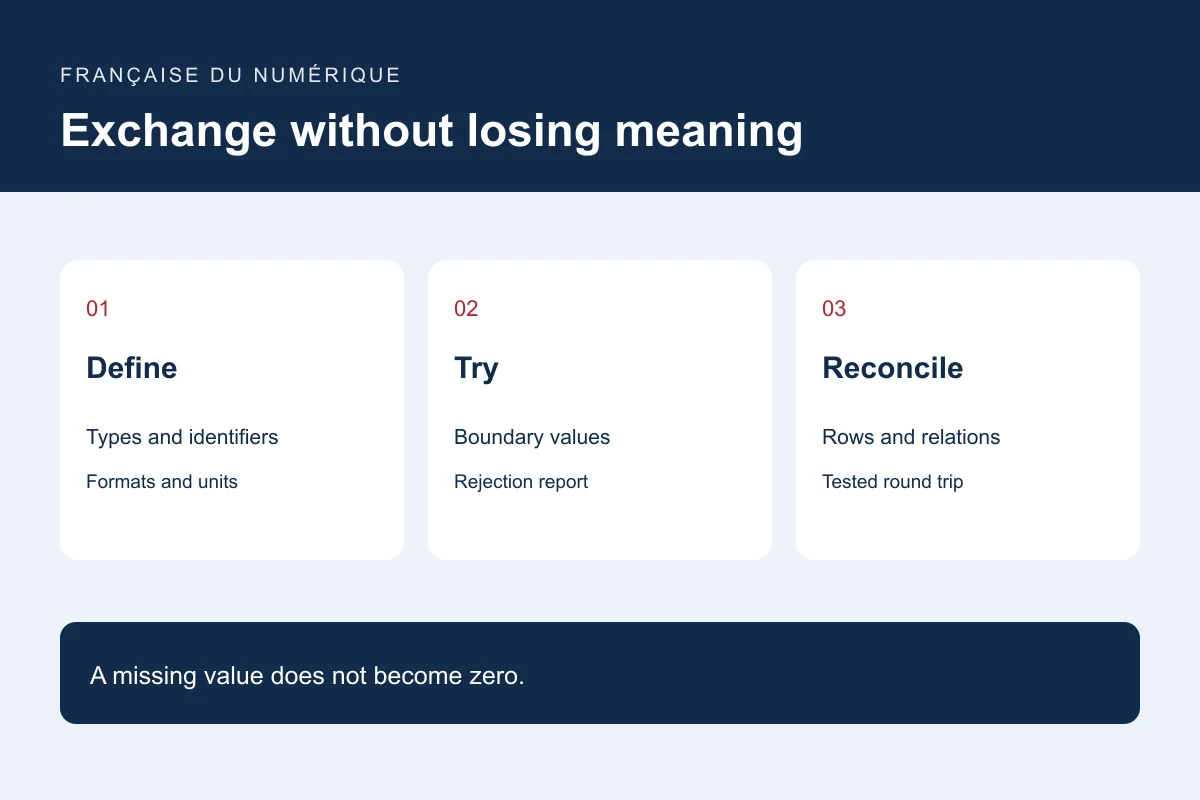
Describe the data contract
Write a field dictionary covering meaning, type, unit, required status and missing values. Define stable identifiers and relations. A postal code, product number or administrative code may require a text representation to preserve its meaning.
Specify encoding, delimiter, dates, time zones and decimal conventions. Python’s CSV documentation explains dialect configuration; a file extension alone does not impose identical conventions on every producer.
Build a batch that challenges the boundaries
Include an accented name, an optional missing value, an identifier with a leading zero, a multiline description and a missing relation. Add a duplicate and an intentionally invalid format. Keep this dataset synthetic and clearly labelled as test data.
Decide whether a problem rejects one row, rejects the file or produces an import with an issue report. Avoid reporting success while silently dropping fields. Report accepted, rejected and review-required rows.
Plan exchange permissions and safety
Define who can export, import and remove a batch. Do not place confidential exports in a public folder by default. For files opened in spreadsheets, review fields that could be interpreted as formulas using a method appropriate to the receiving software.
Separate authorised data from internal context that should not travel, such as private comments, unnecessary contact details or technical keys. Use cleaned or synthetic test copies. Document storage, retention and who removes temporary exports.
Reconcile data after processing
Compare identifiers, relations, totals and sampled values before and after processing. If round-trip support is required, export and reimport into a test environment, then compare meaning rather than file size alone.
Keep a backup and record before a destructive import. Distinguish updates, additions and deletion. A missing row in a partial export does not automatically mean that it should be deleted. Agree on these rules before processing the full database.
Primary documentation : Python — CSV File Reading and Writing.