


Search
Enter at least two characters without personal information.

    LibraryArticles & FAQ Your projectRequest a quote
    LanguageEN
    Explore the Web

    Digital technology, Internet and AI

    Understanding technology means distinguishing documentation, standards and sales descriptions. The site also offers a professional Web directory.

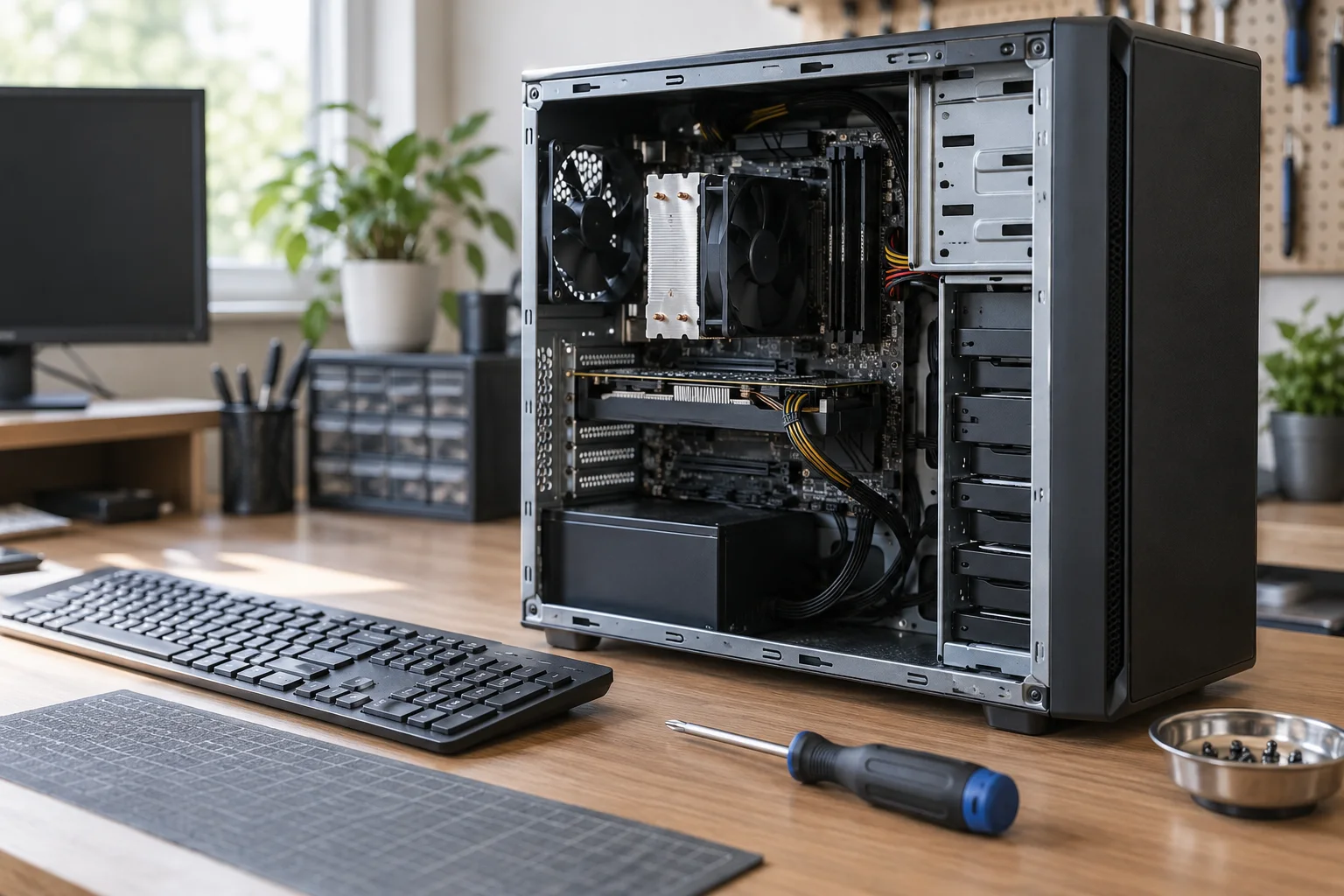
    Open computer case and tools on a workbench

    Getting started

    Reproduce a minimal problem, record versions and compare community answers with official documentation.

    Before deciding

    Check an example’s date, licence and dependencies; a code snippet is not a validated integration.

    Choose a source and keep useful references

    Compare resources

    GitHub : Source code and software collaboration. MDN Web Docs : Web technology documentation. Stack Overflow : Programming questions and answers.

    Prepare your research

    Keep the useful page address, your selection criterion and the date you consulted it.

    Practical questions

    Can an old code example still be used?

    Find function documentation and stated compatibility for your browsers. Try a minimal case and observe errors; a tutorial's date cannot replace checking the version actually in use.

    How can I check an AI-generated answer?

    Separate verifiable claims and open the cited original documents. Check that they exist and support the precise answer; retain uncertainty rather than treating confident wording as evidence.

    See this topic’s resources →
    Proposed practical case

    Check a technical reference

    Two documents discuss the same protocol. Their numbers, status and replacement relationships may lead to different uses.

    Research method

    Keep the exact reference and relevant errata. Compare it with the tested implementation; a specification's existence does not prove software behaviour.

    Two printed documents beside a laptop, keyboard and pencil
    Check a technical reference

    Before drawing a conclusion

    Observed behaviour depends on the version and test inputs. A protocol reference alone cannot explain two different responses.

    Connect a reference to a test — fictional example
    Information recordedResearch decision
    Document A says it is superseded by B.Read the replacement relationship and check which version concerns the implementation.
    Two programs produce different responses.Keep inputs identical and record versions, responses and the relevant clause before concluding.

    Next steps

    Keep request, expected response and actual response with the tested version. Check document status and errata before attributing the difference to the software.

    My points to check

    • Record number and status
    • Look for updates and errata
    • Record observed behaviour

    Additional source : RFC Editor · Errata in RFCs · International

    Back to resources →

    Selected resources

    External resource

    GitHub

    Source code and software collaboration.

    Source scope
    International
    Destination
    github.com
    Documented characteristics
    API
    REST
    Unauthenticated: general limit
    60 / h
    Authenticated: general limit
    5 000 / h

    Learning example: adapt files, identifiers and conditions to a test copy before interpreting the result.

    Practical example
    Inventory the repository, any wiki and Git LFS files before preparing an authorised backup. Also identify application data stored outside Git.
    Useful check
    Check a mirror clone and explicitly fetch LFS objects when present. The wiki is a separate repository: having project files does not prove its documentation was copied.
    Interpretation and next step
    Try recovery in an isolated environment and compare history, files and required dependencies. A code copy guarantees neither database recovery nor access to external accounts and services.

    Official documentation ·

    Official documentation · GitHub · Repository backup

    Selection reviewed on

    Open website — GitHub


    External resource

    MDN Web Docs

    Web technology documentation.

    Source scope
    International
    Destination
    developer.mozilla.org
    Documented characteristics
    Resources
    @mdn/browser-compat-data
    Format
    JSON
    Dataset licence
    CC0-1.0
    Validation
    partial_implementation · notes
    Status
    experimental · deprecated

    Learning example: adapt files, identifiers and conditions to a test copy before interpreting the result.

    Practical example
    Before choosing a browser feature for a form, find its precise MDN compatibility entry under __compat.support. Check the target browser and relevant version. Information about a general API does not automatically describe every method or option within it.
    Useful check
    For a fictional entry marked partial_implementation: true, read the notes property before concluding that support is complete. A function name may exist while the expected behaviour is missing. Relate version, removal and conditional-enablement information to the feature actually being used.
    Interpretation and next step
    Record the @mdn/browser-compat-data package version or consulted revision alongside your test result. Distinguish the experimental and deprecated markers from support data. Then check the journey in your audience’s browsers: documentation prepares the test rather than replacing its outcome.

    Official documentation ·

    Official documentation · MDN Browser Compatibility Data — Data guidelines

    Selection reviewed on

    Open website — MDN Web Docs
    External resource

    Stack Overflow

    Programming questions and answers.

    Source scope
    International
    Destination
    stackoverflow.com

    Selection reviewed on

    Open website — Stack Overflow

    Explore next

    Books and notebook in a reading space

    Learning and education

    A useful course matches a level, a goal and practice time, not just an appealing subject.

    Laptop and folders on a desk

    Jobs, careers and businesses

    Job searching and preparing an application complement each other: describe skills, then verify the vacancy.

    Microscope and glassware in a laboratory

    Science and discovery

    Exploring space or physics means separating observations, models and questions that remain open.

    Security keys and laptop on a desk

    Digital security and account protection

    Prevention, browser settings and help after an incident are different needs. Identify the affected device and service.